We analyzed 14 weeks of email security reports. What we found should concern business leaders.
Most businesses using Microsoft 365 assume their email security is being handled.
And to be fair, Microsoft does provide important security protections.
But there’s a difference between having security tools in place and knowing how well they’re actually working.
At IT Audit Labs, we’ve been looking closely at that difference.
Over 14 weeks, from July 6 through October 11, 2026, we analyzed Check Point Harmony email security reports from organizations we manage or monitor.
All of the organizations in this analysis use Microsoft 365. The results revealed some concerning patterns about what gets through, who attackers target, and what happens after a suspicious message reaches an employee.
44% of the Threats Microsoft Saw Were Headed for the Inbox
That’s the number that stood out.
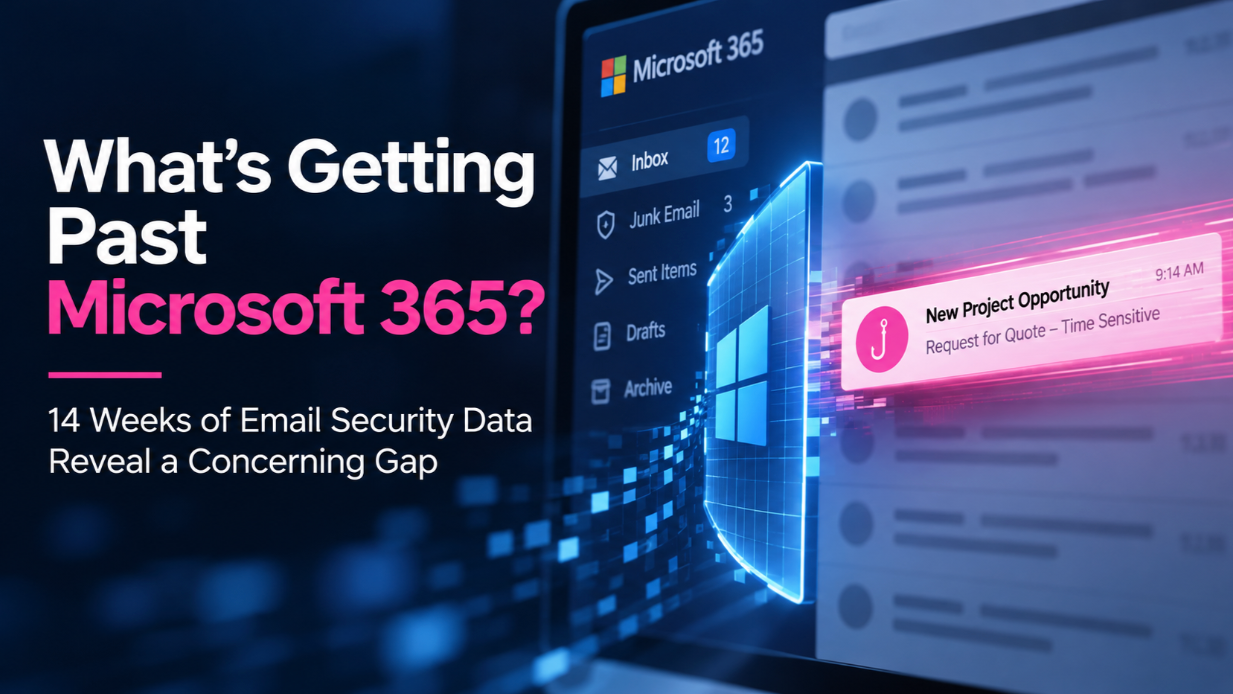
Of the phishing and malware threats identified by Check Point Harmony, 44% had been classified by Microsoft for delivery to users’ inboxes rather than their junk folders.
Depending on the week, that percentage ranged from 32% to 63%.
At one manufacturing company, every phishing email identified in the reports had been directed to the inbox.
Think about what that means.
Employees could be receiving messages that look legitimate, passed through Microsoft’s filtering, and landed right alongside the emails they need to do their jobs.
Without an additional layer of detection, some of those threats might never be identified.
This isn’t an argument that Microsoft 365 is ineffective. It’s a reminder that no single security layer catches everything.
And assuming it does can create a dangerous sense of confidence.
Attackers Know Exactly Who They’re Looking For
One of the most revealing findings wasn’t just how many threats got through.
It was who those threats targeted.
An executive appeared among the most-attacked employees in 78% of the weekly reports.
At most organizations, that happened every single week.
That makes sense when you consider what attackers are trying to accomplish.
They’re not necessarily interested in the employee with the most technical access.
They’re looking for the person who can approve a payment, authorize a transfer, respond to a potential customer, or make a business decision.
Sometimes that’s the CEO.
Sometimes it’s someone in accounting, sales, or operations.
The point is that phishing isn’t simply a technology problem. It’s a business process problem. Attackers understand how organizations operate, and they’re increasingly designing their messages around those everyday activities.
The Most Dangerous Emails Don’t Look Dangerous
Forget the poorly written phishing emails with obvious spelling mistakes and suspicious links.
Many of the messages we’re seeing look like normal business correspondence.
A request for a quote. A new project inquiry. A bid opportunity. A delivery notification. An email that appears to come from a company executive.
In our sample, seven phishing lures reached multiple organizations during the same week. Five of those impersonated quotes, bids, or new business opportunities.
One fake “Mail Delivery Report” appeared at 44% of the organizations in a single week, with each message sent under the recipient’s own name.
In 11% of the sampled phishing messages, attackers used the organization’s name or an employee’s name to make the email appear more credible.
These messages are designed to fit naturally into someone’s workday.
And that’s what makes them effective.
The more a phishing email looks like something an employee expects to receive, the less likely that employee is to question it.
Even the Spam Scores Tell a Story
Here’s another finding worth paying attention to.
Of the sampled phishing messages that got through Microsoft’s filtering, 90% carried spam scores that wouldn’t ordinarily flag them as spam.
In fact:
- 64% received a spam confidence level of 1, indicating low spam risk.
- Another 26% received a score of -1, indicating spam filtering was bypassed.
That second number is particularly interesting.
In some environments, mail-flow rules are configured to trust another filtering system upstream of Microsoft 365.
That can create a situation where one security layer assumes another has already checked the message.
The result?
A threat can slip through the gaps between systems.
Having multiple security products doesn’t automatically mean you have multiple effective layers of protection. Those layers need to work together, and someone needs to verify that they’re doing their jobs.
The Risk Doesn’t End When an Email Reaches the Inbox
Getting a malicious email delivered is only part of the attacker’s objective.
The next step is getting someone to act on it.
Our reports showed that someone clicked a malicious link during 12 of the 14 weeks analyzed, across 33% of the organizations.
Even more concerning, 11 weekly reports recorded instances where someone encountered a security warning page and clicked through it anyway.
That tells us something important.
Security awareness training matters, but training alone isn’t enough.
People get busy. They make assumptions. They trust familiar names and routine requests. And sometimes they ignore warnings because they’re focused on completing a task.
That’s human behavior.
Our security systems need to account for it rather than assume every employee will make the right decision every time.
There’s Also the Problem of Sensitive Data Leaving the Organization
While phishing gets much of the attention, the reports revealed another concern.
Sensitive data was detected leaving through email or file sharing in 73% of the weekly reports, across almost every organization in the analysis.
These weren’t simply theoretical risks. Harmony recorded the events as data that had gone out.
That raises questions every business should be asking. Do we know when sensitive information leaves our environment? Can we identify which information is being shared? Do we have appropriate controls in place? And when something unusual happens, who is responsible for investigating it?
Email security isn’t only about preventing malicious messages from getting in. It’s also about understanding what information is going out.
What Should Business Leaders Do With This Information?
I don’t believe the answer is to buy another security product every time a new threat appears.
The first step is understanding what your existing security tools are actually doing.
Here are a few questions I’d encourage every business leader to ask their IT team or security provider:
1. What phishing and malware threats are reaching our employees’ inboxes?
Don’t settle for knowing how many threats were blocked. Ask what wasn’t.
2. Are our security layers working together?
Review how Microsoft 365 interacts with any third-party email filtering tools, including rules that might bypass filtering.
3. Who in our organization is being targeted most frequently?
Your executives, finance team, and customer-facing employees may face very different risks.
4. What happens when someone clicks a malicious link?
Understand your detection, warning, investigation, and response processes.
5. Do we know when sensitive information leaves our organization?
Look beyond inbound threats and evaluate your visibility into outbound email and file sharing.
And perhaps most importantly:
When was the last time someone actually tested whether our email security is working the way we think it is?
You Can’t Protect What You Aren’t Measuring
That’s really the lesson from these 14 weeks of data.
Microsoft 365 provides valuable security capabilities. But having those capabilities enabled isn’t the same as knowing what’s getting through.
The threats we observed weren’t limited to one industry, one type of employee, or one unusual week. They appeared across organizations, often using the same familiar business scenarios. And they exposed gaps that would be difficult to recognize without looking at actual detection data.
At IT Audit Labs, we’re continuing to study these reports, and we plan to share regular updates on what we’re seeing.
Not to create fear.
But to help business leaders ask better questions, understand their actual exposure, and make more informed security decisions.
Because the question isn’t simply whether your organization has email security.
It’s whether you know what your email security is missing.
About the data: This analysis is based on 14 weeks of Check Point Harmony Email & Collaboration Security Checkup reports from July 6 through October 11, 2026, covering Microsoft 365 environments monitored or managed by IT Audit Labs, including our own. The reports include both read-only monitoring and active blocking environments. Findings reflect threats detected by Harmony and Microsoft’s reported message placement, not a measurement of every email received. Percentages are approximate, and some organizations did not report every week.
Frequently Asked Questions
Microsoft 365 provides important built-in email security protections, but no single solution catches every threat. In a 14-week analysis by IT Audit Labs, 44% of phishing and malware threats identified by Check Point Harmony had been classified by Microsoft for delivery to users’ inboxes rather than junk folders. Additional monitoring and properly configured security layers can help identify threats that might otherwise go unnoticed.
Yes. Sophisticated phishing emails can bypass Microsoft 365’s filtering, particularly when they resemble legitimate business communications. Attackers frequently disguise messages as invoices, project inquiries, delivery notifications, or executive requests to increase the likelihood that employees will trust them.
Executives, finance teams, and customer-facing employees are common targets because they can authorize payments, approve transactions, or access valuable business information. In IT Audit Labs’ analysis, an executive appeared among the most-attacked employees in 78% of the weekly reports.
Businesses should regularly review email security reports, evaluate phishing threats reaching employee inboxes, verify that multiple security tools work together, and monitor suspicious employee activity. Testing security configurations and reviewing mail-flow rules can also help uncover gaps in protection.
Additional email security solutions, such as Check Point Harmony, can provide another opportunity to detect phishing, malware, and suspicious activity. However, multiple security tools are only effective when properly configured, integrated, and regularly monitored.
Organizations can improve visibility into sensitive information by monitoring outbound email and file sharing, implementing appropriate data loss prevention controls, and establishing processes for investigating unusual activity. Regular security assessments help determine whether existing protections are working as intended.