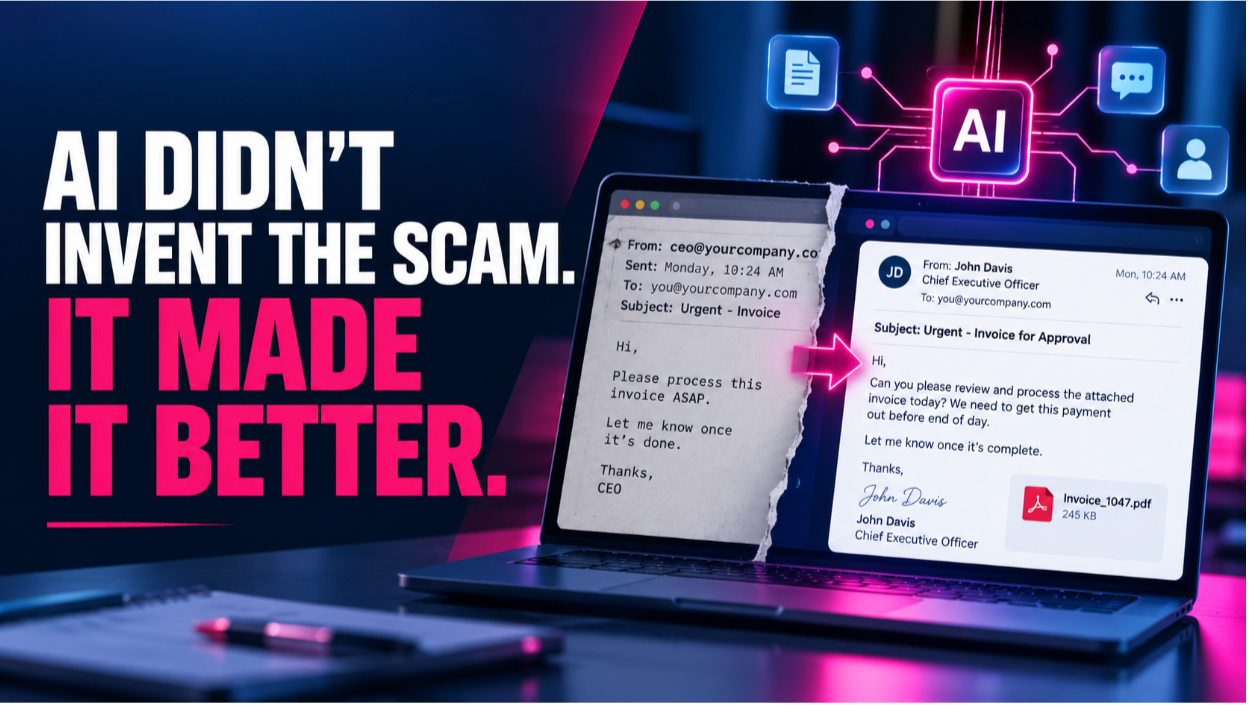

Welcome back to IT Audit Labs’ series on password security. In Part 1, we examined how password reuse, complexity requirements, and storage practices undermine modern authentication. Today, we’ll explore the most prevalent threats in 2025—phishing, smishing, and vishing—and share actionable tips for spotting and stopping credential-harvesting scams in a hybrid work environment.
1. Why Phishing Remains the Top Threat
Even with widespread multi‑factor authentication (MFA) and zero trust initiatives, phishing remains the easiest way for attackers to bypass controls. By mimicking legitimate services—banks, cloud providers, or internal IT portals—threat actors trick employees into handing over their usernames, passwords, and even MFA codes.
2. Anatomy of a Phishing Email
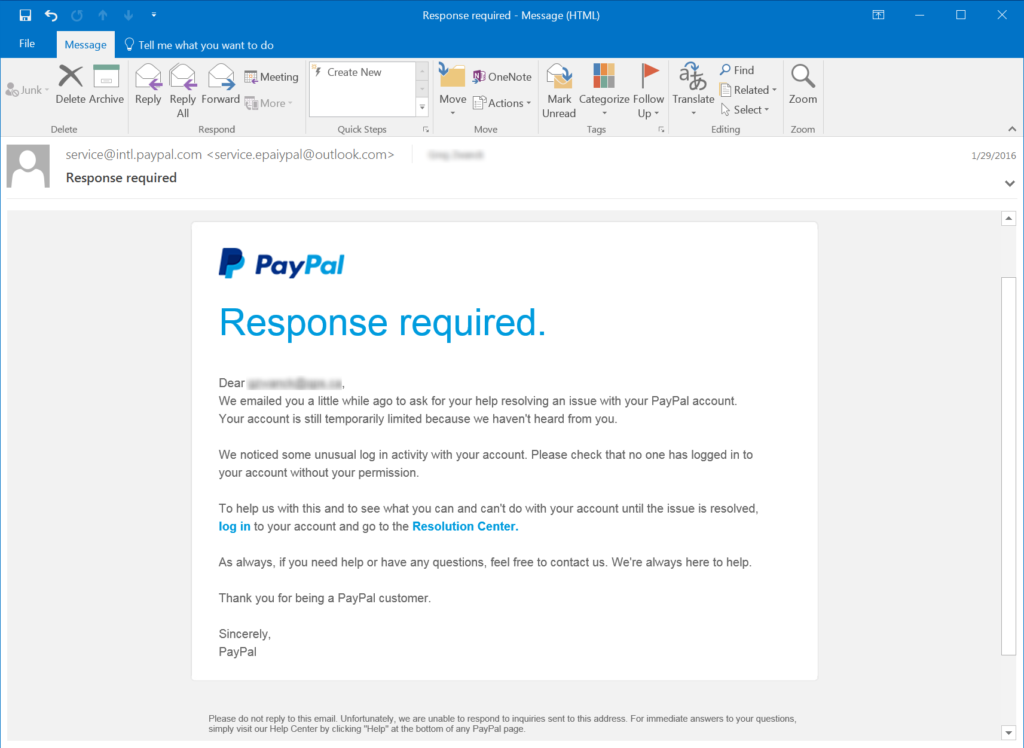
Consider this PayPal-themed example (courtesy of Phishing.org):
- The Hook: “We’ve noticed suspicious activity on your account and need you to verify immediately.”
Attackers create urgency and fear, prompting victims to act without thinking. - The Fake Link: A “Resolution Center” hyperlink that leads to an impostor sign‑in page.
Even savvy users may click a link instead of typing the real URL. - Credential Harvesting: Any entered credentials are sent straight to the attacker—no cracking required.
Modern Tip: Hover over links to confirm the domain. Implement browser-based anti‑phishing filters and train employees with regular phishing simulations.
3. Smishing and Vishing: Beyond Email
Attackers have expanded into mobile and voice channels:
- Smishing (SMS Phishing)
A text message claims your cloud storage is compromised and directs you to a malicious site. With remote and mobile work on the rise, employees are more likely to respond to texts than emails. - Vishing (Voice Phishing)
An actor impersonates your IT help desk, calls your desk phone, and asks for your password “to resolve a critical issue.” They may even use MFA fatigue—sending repeated push notifications until you approve one out of frustration.
Modern Tip: Enforce policy that IT will never ask for your password over phone or text. Use authenticated callback systems so employees can verify callers.
4. Credential Harvesting Variations
Phishing campaigns vary by industry and platform:
| Attack Type | Example Target | Goal |
|---|---|---|
| Brand impersonation emails | Microsoft 365, Slack | Steal corporate credentials |
| Sweepstakes and “free offers” | Social media platforms | Trick users into logging in |
| Account recovery scams | Banking, e‑commerce | Capture password reset tokens |
| Internal help desk vishing | Enterprise IT departments | Collect clear‑text credentials |
5. Defenses for a Hybrid Workforce
- Layered Authentication
- Require MFA for all access—email, VPN, cloud apps—and use phishing-resistant factors (hardware tokens, FIDO2).
- Zero Trust Email Security
- Deploy AI‑powered email filters that detect spoofed senders, anomalous links, and malicious attachments.
- Security Awareness Training
- Conduct regular, scenario‑based phishing drills that include smishing and vishing simulations.
- Incident Response Playbooks
- Maintain an up‑to‑date plan for quick containment when credentials are compromised—rotating passwords, revoking tokens, and monitoring accounts.
What’s Next?
In Part 3, we’ll examine how attackers exploit device implants, internal network shares, and protocol poisoning to harvest password hashes—and how to defend with segmentation, monitoring, and strong password policies.
If you’ve encountered suspicious messages—or want to test your team’s phishing resilience—reach out to IT Audit Labs at (612) 567‑8626 or visit www.itauditlabs.com/contact.