The Real Talk:
- Why Microsoft’s out-of-the-box email security is giving organizations a false sense of protection, and what’s quietly getting through every single day
- How threat actors aren’t breaking down the door, they’re already inside, watching your inbox, and waiting for the right moment to strike
- The “14 + 1” offering IT Audit Labs just launched that shows you exactly what your current email security is missing, in your actual environment, before the damage is done
A Closer Look:
The Microsoft Security Trap Cameron Birkland, IT Audit Labs team member and CTF three-peat champion, laid it out plainly: Microsoft isn’t incentivized to make great email security. Their model is to get you on the platform and upsell you on protection. What you get out of the box with Defender stops the obvious stuff. Anything even slightly sophisticated walks right through. Eric Brown, CISSP put it more bluntly: if you don’t have a dedicated email security product, you’re probably already breached.
What Good Email Security Actually Looks Like The team walked through CheckPoint Harmony live, and the contrast with default Microsoft security is stark. Harmony plugs directly into your Microsoft 365 tenant and scans email, OneDrive, SharePoint, and Teams simultaneously. It catches phishing emails that pass SPF checks, malware sitting quietly in OneDrive, anonymous file sharing links that were never meant to stay open, and suspicious logins from across the globe. It also flags what Microsoft missed, without touching anything, in a read-only mode during the trial period.
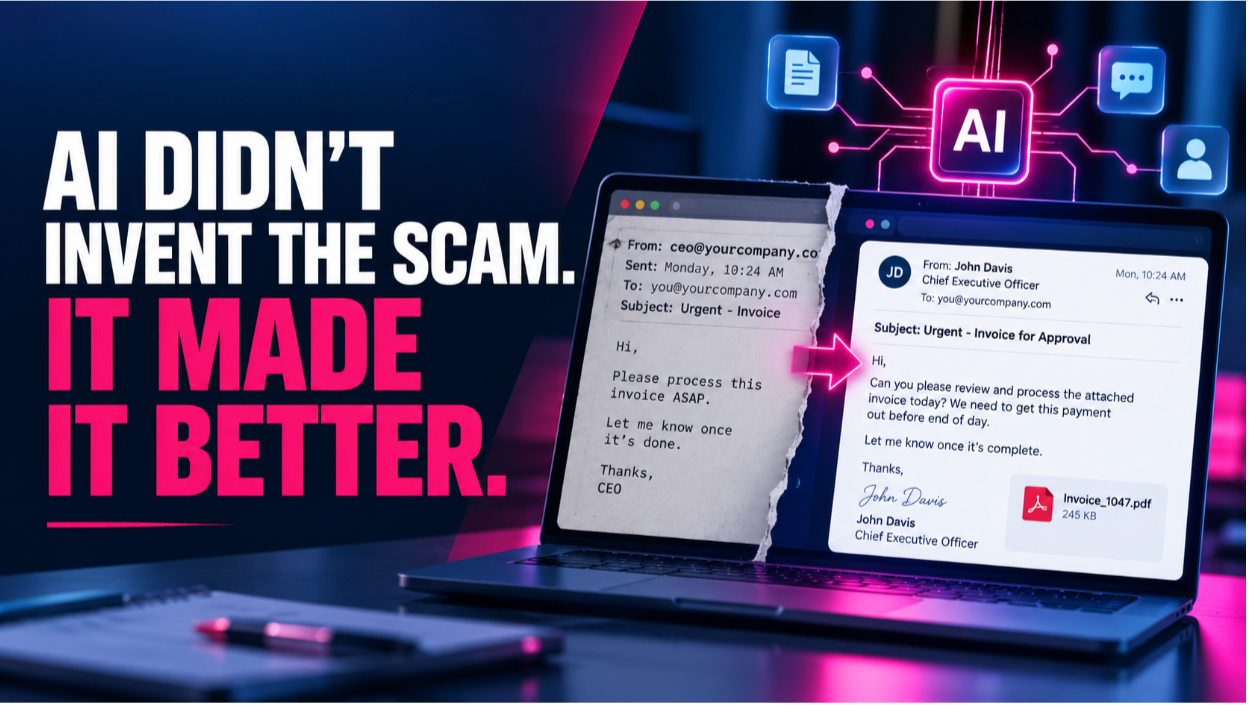
The Business Email Compromise Slow Burn Here’s the attack pattern nobody talks about enough. A threat actor compromises a legitimate inbox, sets up hidden forwarding rules to an outside account, and goes completely dark while they sift through your files. They are not announcing themselves. They are watching for payroll data, client contracts, or anything worth ransoming. This week alone, the IT Audit Labs team saw over a hundred phishing emails arrive from compromised third-party organizations, each one carrying the credibility of a familiar sender.
Phishing Triage, Without the All-Day Rabbit Hole Cameron spent an entire summer triaging phishing reports manually for an organization of nearly 5,000 users. Harmony collapses that process into a single dashboard: sender details, URL scans, VirusTotal results, communication history, and AI model verdicts, all in one view. What used to take 30-plus minutes per email becomes a fast, informed decision.
Bottom Line: Most small and mid-sized organizations are running Microsoft’s default email security and calling it good. They have no visibility into what is getting through, and no alerts when it does. The attackers know this. The “14 plus one” from IT Audit Labs runs CheckPoint Harmony in your real environment for 14 days, then delivers a report that shows exactly what your current setup missed. One hour of your IT team’s time. Fourteen days of data. A very clear picture of where you actually stand.
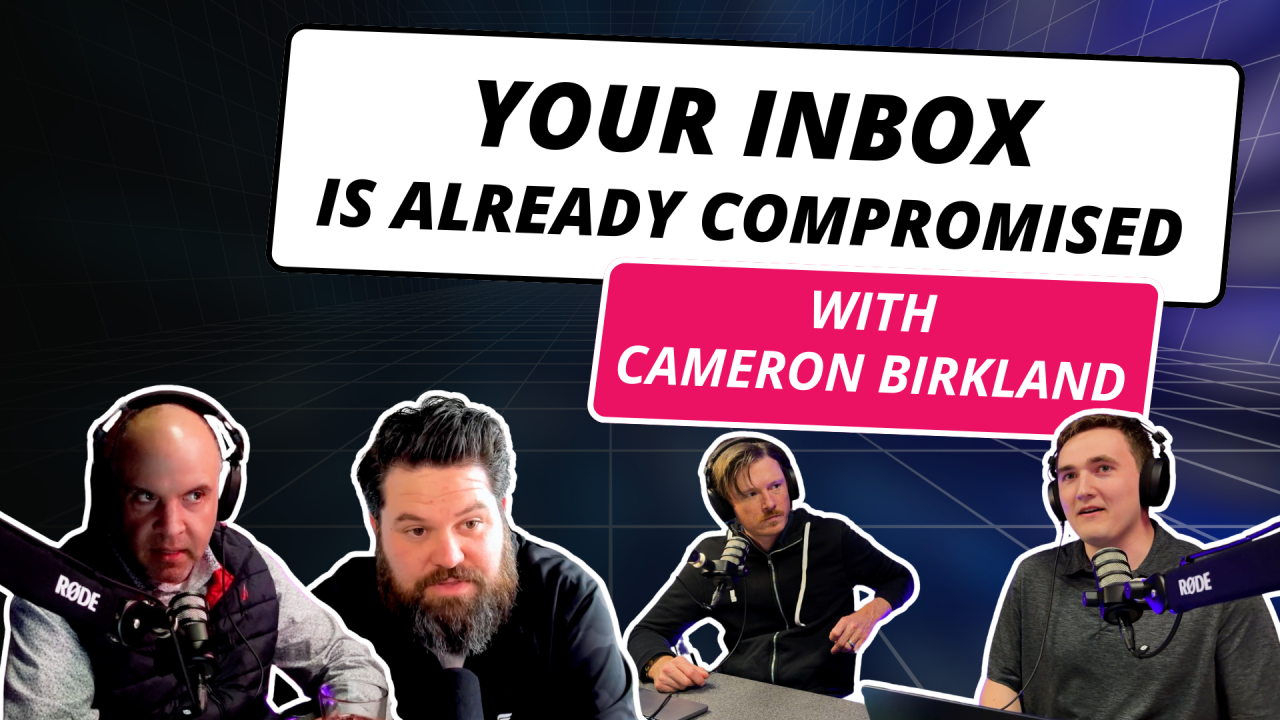
Tune into the full episode to see Cameron walk through the Harmony dashboard live, hear Eric and Nick Mellem break down how modern email threats use social context instead of just malicious payloads, and find out why Nick is already planning a whole separate episode just to dig into the data loss prevention piece.
🔗 Ep 87 – Inside Email Security: Phishing, Hackers, and Harmony Checkpoint
Listen wherever you get your podcasts. Subscribe to our YouTube channel to stay up to date on breaking cybersecurity news.
Learn more at www.itauditlabs.com